01 / 03
Bring Alibaba Products into DSers
Import the Alibaba products you want to sell into DSers.
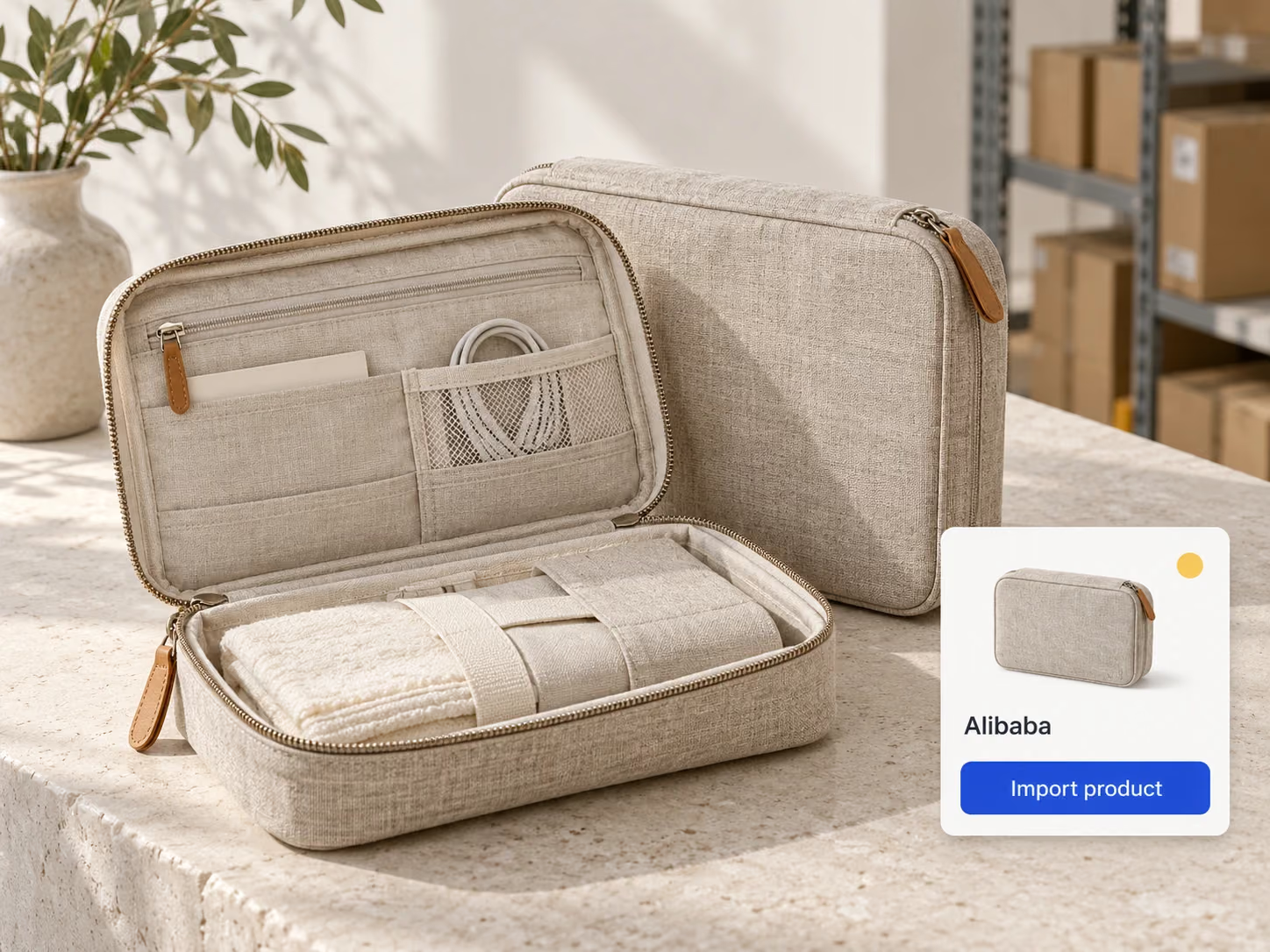
Source products from Alibaba manufacturers and suppliers. Some suppliers also offer overseas warehouse options. Connect your Alibaba account to DSers to import products, place supplier orders, and sync tracking numbers to your store.

Here’s how orders move from your store to Alibaba through DSers.
A customer places an order in your store.
Use DSers to submit the order to Alibaba.
Review and pay for the supplier order on Alibaba.
After payment, the Alibaba supplier processes the order and ships it to your customer.
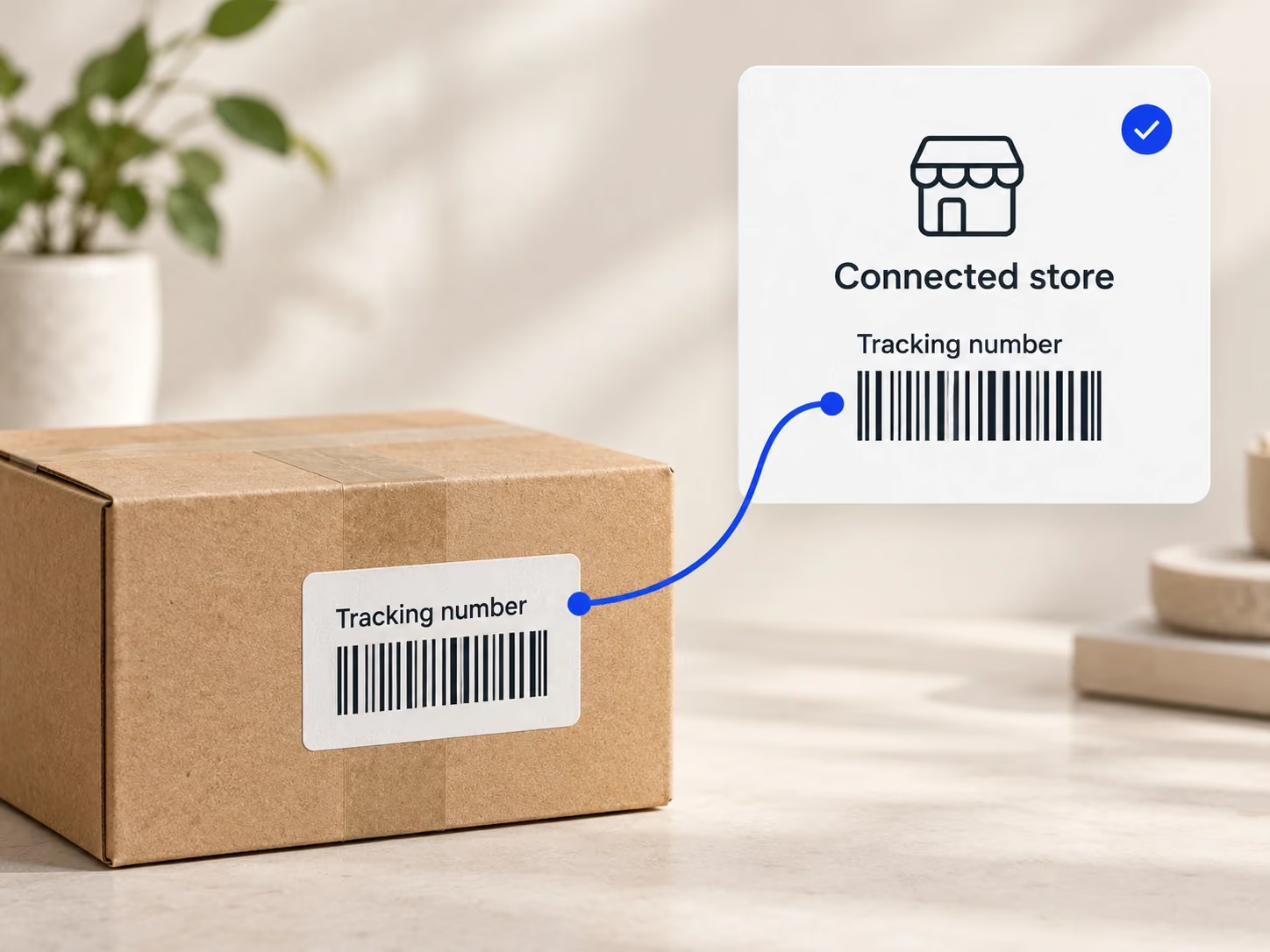
Once the supplier provides a tracking number on Alibaba, DSers syncs it to the matching order in your store.
01 / 03
Import the Alibaba products you want to sell into DSers.
02 / 03
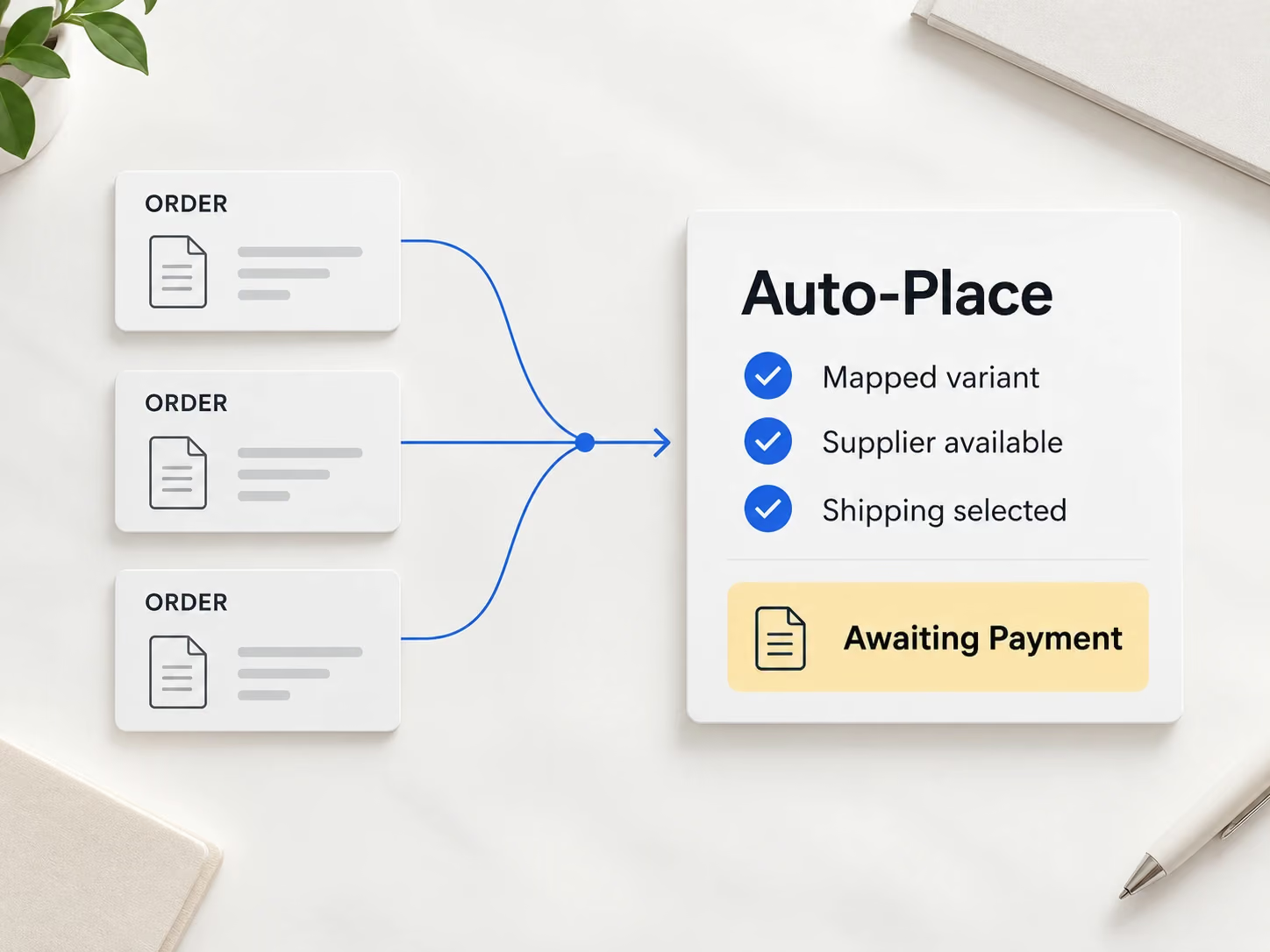
Review and submit multiple Alibaba orders together with bulk ordering, reducing the work of placing each order separately. You can also use Auto-Place to automate order submission.
03 / 03
DSers retrieves tracking numbers from Alibaba and syncs them to the matching orders in your store, so you don’t have to copy them between platforms.
01
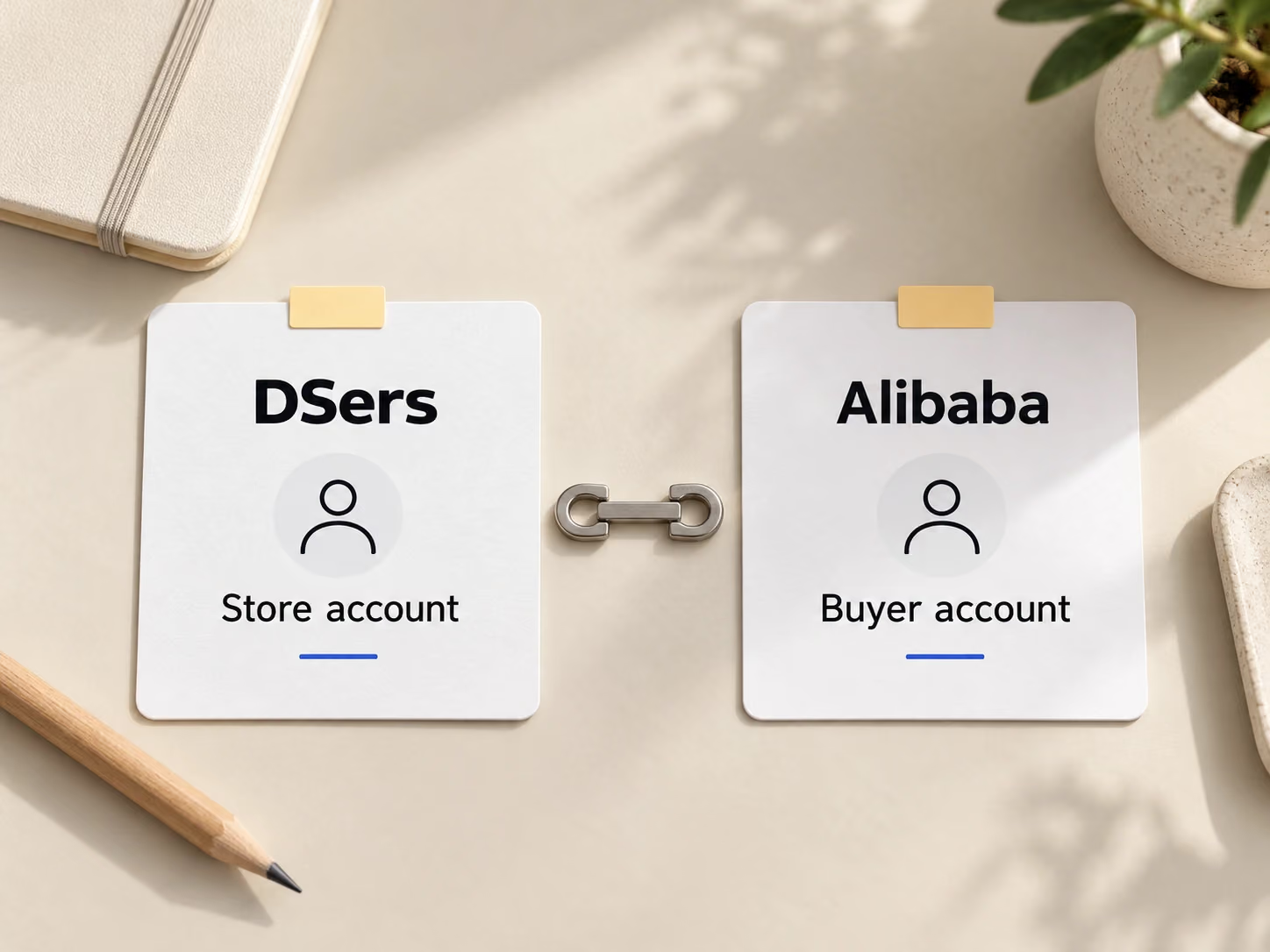
Sign in to the DSers account connected to your store and have your Alibaba buyer account ready.
02
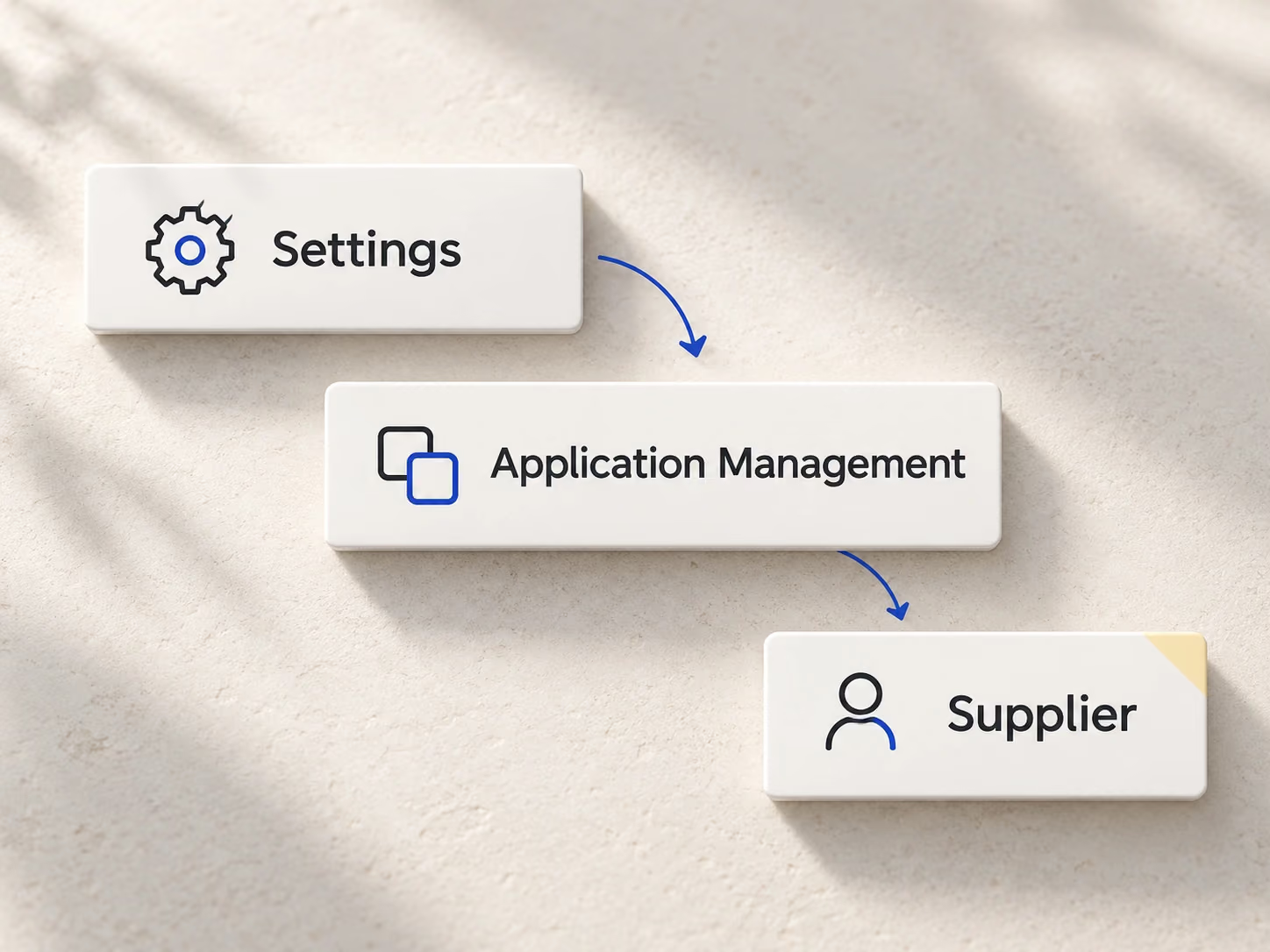
In DSers, go to Settings > Application Management and find the Supplier section.
03
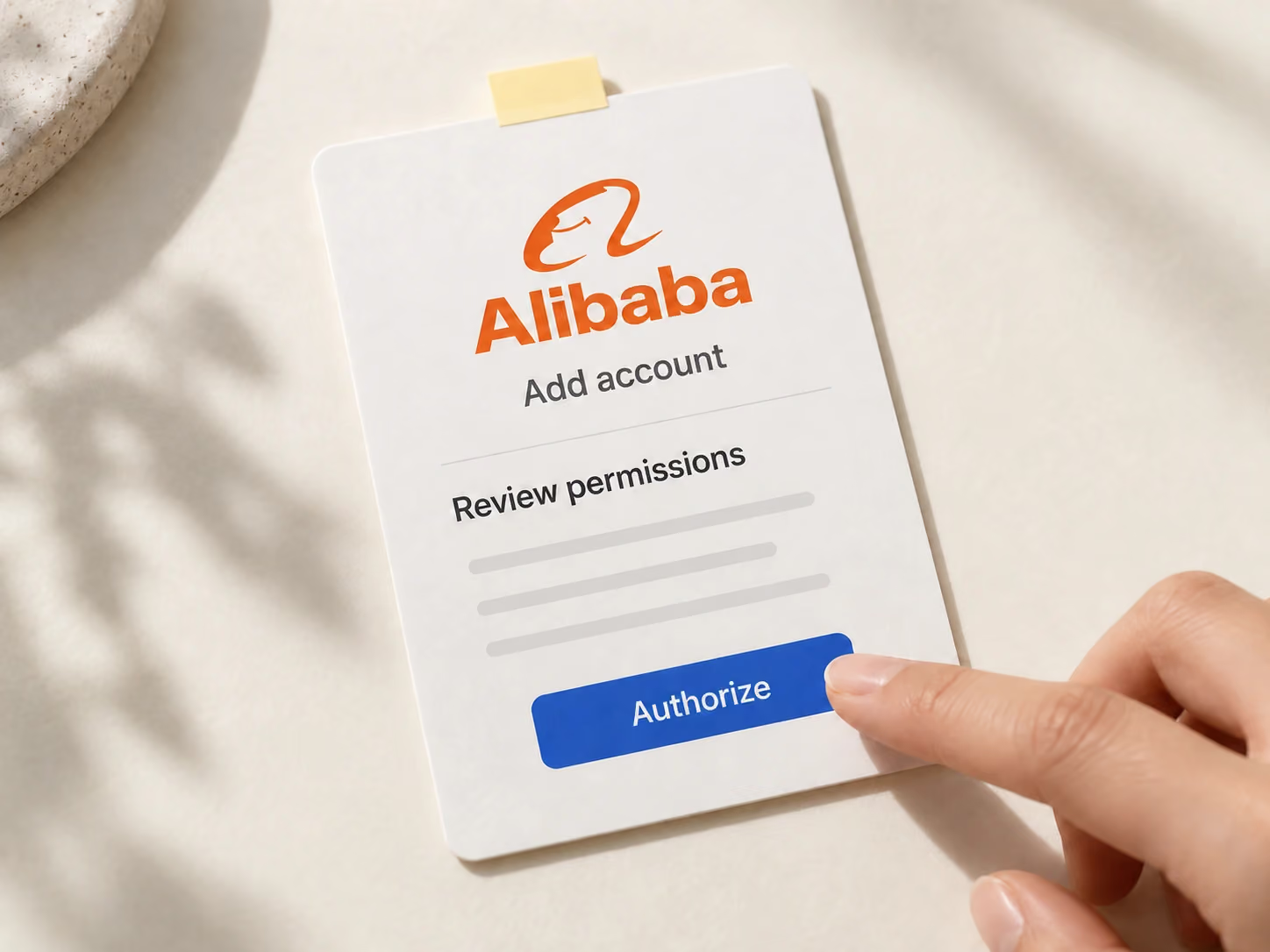
Click + Add Accounts next to Alibaba. Sign in if prompted, review the permissions, and select Authorize.
04
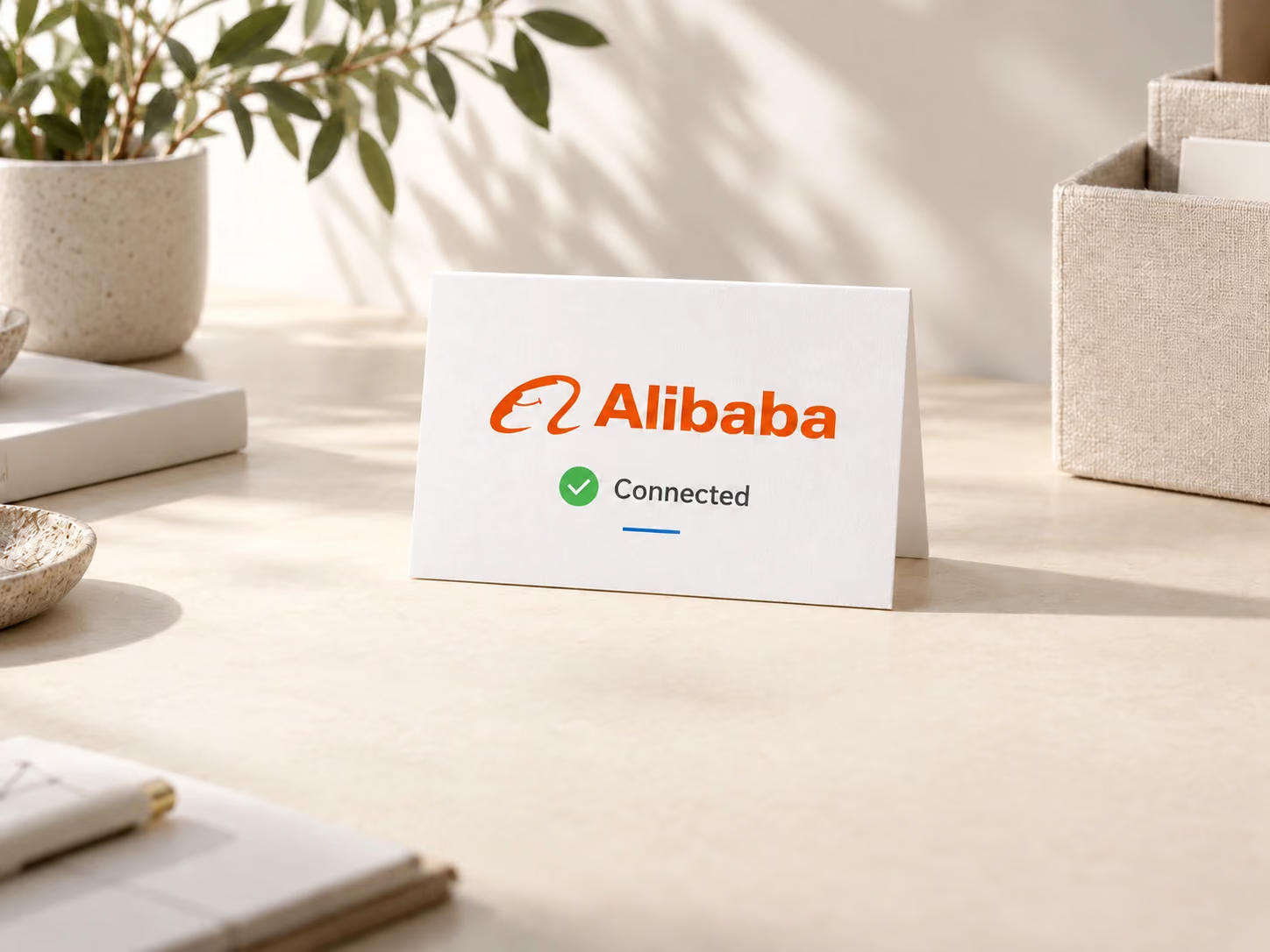
Check that Alibaba appears in your connected accounts list.
Connect your Alibaba buyer account to get started with DSers.
It connects your Alibaba buyer account to DSers so you can import products, submit supplier orders, and sync tracking numbers to your store.
Yes. Use an Alibaba buyer account, not a seller account. During authorization, make sure you are signed in to the account you intend to connect.
After you enable Auto-Place, DSers automatically submits orders when product variants are mapped, the supplier can ship to the customer, and a shipping method is selected. You review and pay for the orders on Alibaba.
Yes. You can connect both Alibaba and AliExpress to DSers. The number of supplier accounts you can connect depends on your plan.
Yes. Some Alibaba suppliers offer overseas warehouse options. Check the product’s stock location and whether the supplier ships to your customer’s destination.